
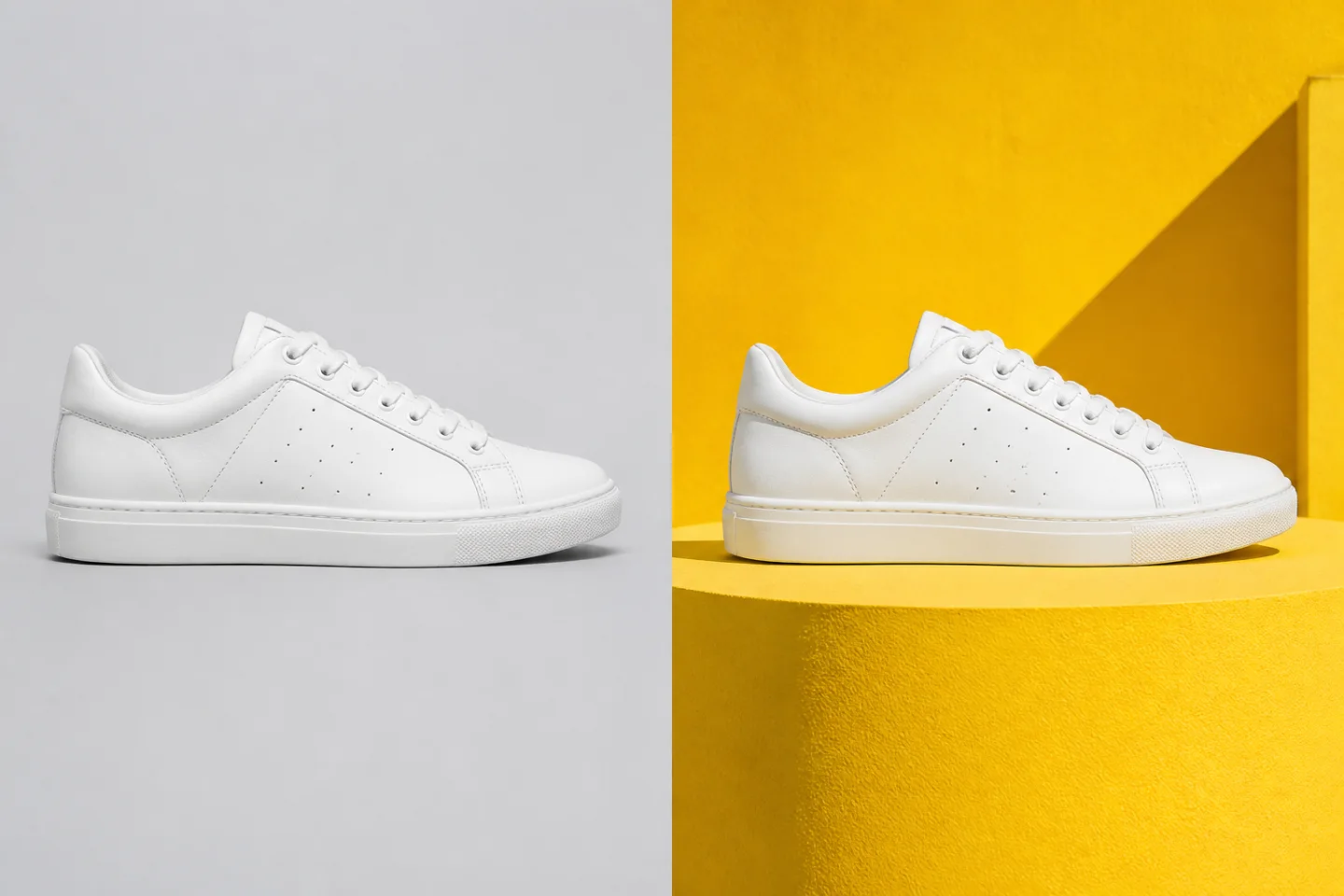
Campaign-ready product scene
Move a clean product shot into a bold visual system without redrawing the product.
Explore a prompt-led image workflow without assuming unlimited free generations. Confirm the current model, account requirements, credits, and plan terms before you submit a task.
 BeforeAfter
Example prompt
The editor uses the models enabled for this workspace. Available editing controls and output quality depend on the selected model.
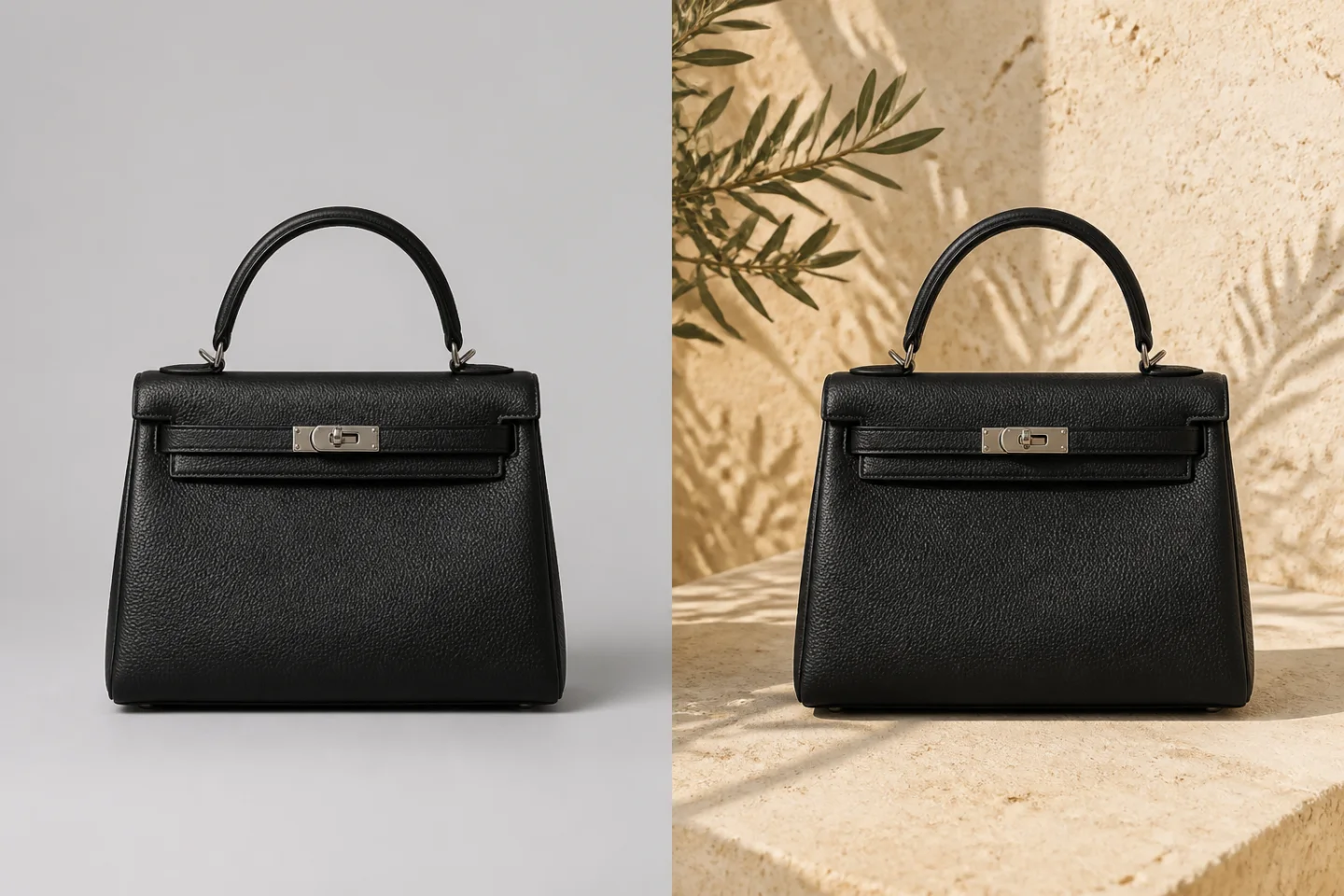
Use a clear instruction to redirect a scene while preserving the detail that matters.
Move a clean product shot into a bold visual system without redrawing the product.
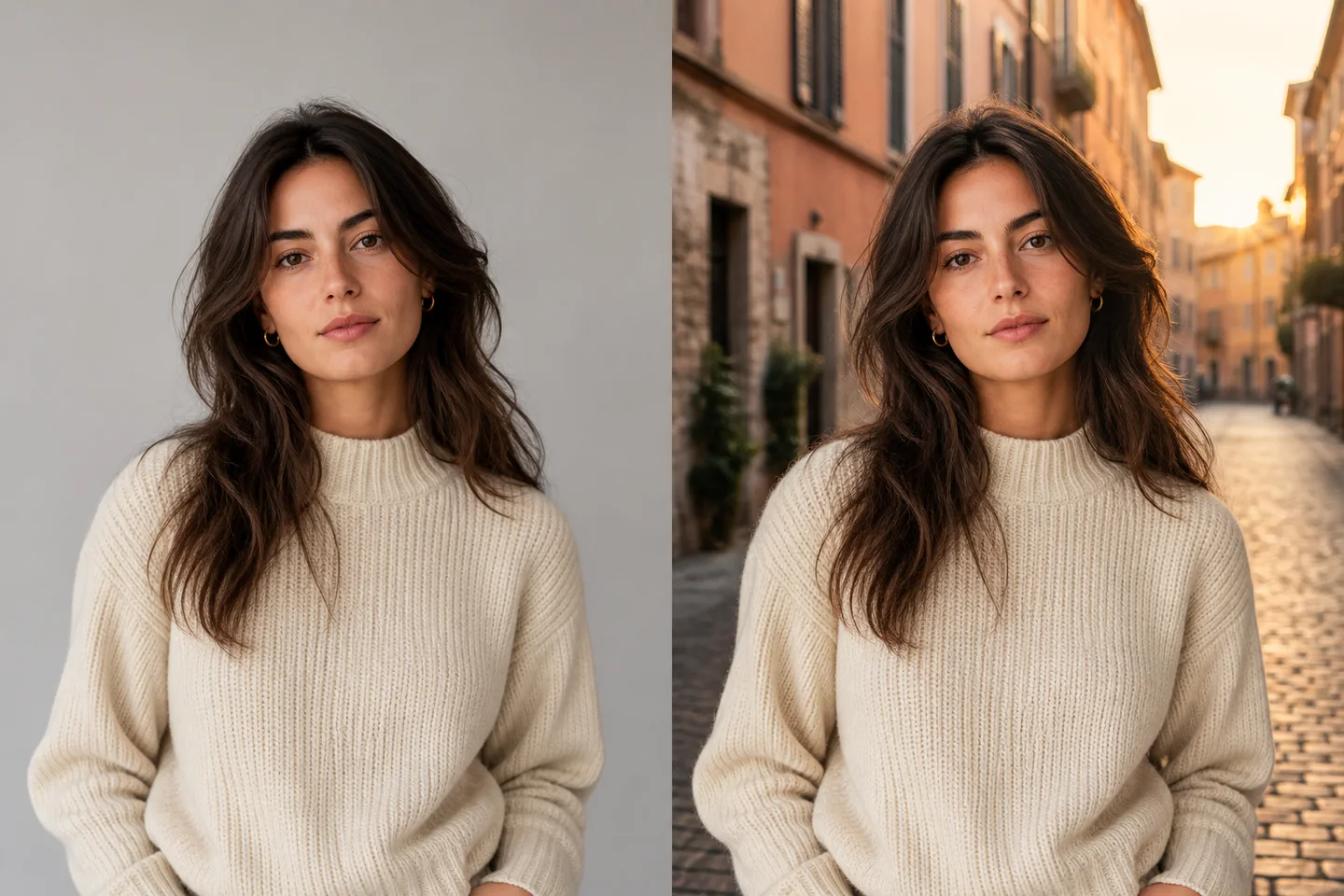
Change the setting while keeping the person's recognizable features and styling coherent.
Retain the product shape and texture, then rebuild the lighting and environment around it.
Choose the shortest route for the job: generate a new visual, guide an edit with a reference, or animate a finished image.
Write the scene, subject, lighting, and composition you need, then generate with an enabled image model.
Create from a promptUpload an image and describe what should change. Compatible models receive the reference with your prompt.
Edit a referenceContinue a finished still into motion with a configured video model, including Seedance when it is available.
Open the video generatorA practical AI photo editor for product teams, creators, marketers, and designers who need deliberate changes instead of random variations.
Explore new settings, campaign directions, and compositions while keeping product details clear.
Use a reference-led workflow when the same person or character needs to remain recognizable across scenes.
Replace a setting, adjust the mood, or reframe a subject without starting the entire composition again.
Create visual directions for posts, launch concepts, thumbnails, and campaign tests in common ratios.
The exact controls vary by model, but the workflow stays simple and transparent.
Add a supported reference image, or leave it empty to begin with a written idea.
State what to keep, what to replace, and the visual style or setting you want.
Choose an enabled model and ratio, create the result, then revisit it from Activity.
BeforeAfterTry Nano Banana brings the practical controls around AI image generation together without pretending that every model behaves the same.
When the selected model supports image input, your uploaded reference is passed with the prompt.
Describe additions, removals, setting changes, and visual direction in natural language.
Prepare square, portrait, landscape, and vertical directions for different channels.
Signed-in users can return to their own generation tasks and completed results from Activity.
Use one focused guide for each decision instead of relying on an old quota screenshot or a generic Nano Banana label.
Understand Nano Banana AI free trial options without assuming unlimited access. Check the product, model, credits, limits, and cost before generating.
Read guideFind the right Nano Banana AI app by separating the official Gemini app, Google AI Studio, and independent browser tools such as Try Nano Banana.
Read guideUnderstand the Nano Banana video generator search term: create or edit a still with an image model, then animate it with a separately named video model.
Read guideCompare Nano Banana 2 and Nano Banana Pro by official model name, workflow fit, latency and cost priorities, reference handling, and precision.
Read guideUse practical Nano Banana AI image tips for references, prompt structure, consistency, text, materials, crops, and final quality review.
Read guideUnderstand Nano Banana watermark information, including visible marks, invisible SynthID, Content Credentials, and provider-dependent output handling.
Read guideOpen the editor, choose an available model, and turn a written direction or reference image into your next visual.
Clear answers about the editor, model support, references, and image-to-video workflow.
Try Nano Banana is an independent browser workspace for AI image generation, prompt-led editing, and image-to-video tasks. It connects the models enabled by the site operator to one consistent workflow.
No. Try Nano Banana is an independent product and is not affiliated with, sponsored by, or endorsed by Google. Model availability depends on the providers configured for this workspace.
Yes. The image editor accepts an uploaded reference and sends it with your prompt when the selected model supports image input. A model that only supports text generation may ignore reference-image options.
The uploader accepts common browser image formats such as JPG, PNG, and WebP. The current editor shows the active file-size limit before you upload.
Commercial rights depend on the selected model provider, your plan, and the rights you hold in uploaded source material. Review the applicable provider and site terms before publishing commercial work.
Open the video generator to describe motion, framing, and duration. Available models, including Seedance when configured, are controlled by the workspace and may require a signed-in account.